
How to take studio-quality vehicle photos on a phone
A studio and a professional photographer give beautiful vehicle photos, but few dealerships can send every vehicle to one, and none can do it on the day the vehicle arrives. The phone in your pocket can get you most of the way there. What makes the difference is less the camera than how it is used.
Here is what we have learned from building Motorstudio, an app that turns phone photos into studio photos.
Prepare the vehicle first
No amount of editing hides a dirty vehicle. Before the first photo:
- Wash it and dry it. Water spots and streaks show up clearly on dark paint.
- Clear the inside. Remove air fresheners, phone holders, parking permits and anything in the door pockets.
- Set the wheels. Turn the front wheels slightly away from the camera for the front corner photos, so the face of the wheel shows rather than the tread.
- Switch the ignition on for the dashboard photo, so the instruments are lit.
Use the main camera, not the wide one
Most phones now have two or three lenses. The wide and ultra-wide lenses fit more in, but they stretch whatever is near the edges, which makes a vehicle look longer and rounder than it is. Use the standard 1x lens and step back until the vehicle fits, rather than zooming out.
Do not use digital zoom either. Walk closer instead.
Hold the phone at chest height, and level
The height of the phone changes how the vehicle looks more than anything else.
- Too high, looking down, and the vehicle looks small and you see too much roof.
- Too low, from the knees, and the vehicle looks dramatic but the photo no longer matches the rest of the set.
- About chest height, roughly level with the middle of the windows, gives a natural view and is easy to repeat for every angle.
Keep the phone level, too. A slight tilt makes the vehicle look as if it is parked on a hill. Most phone cameras can show a grid or a level in their settings; turn it on.
Keep the same distance for every corner
Once you have the first photo framed, with the whole vehicle in shot and a little space around it, take the rest from the same distance. A set where the vehicle fills a different share of each photo looks careless even when each photo on its own is fine.
Work with the light you have
You cannot choose the weather on a forecourt, but you can choose how you stand in it.
- Bright sun makes hard reflections and dark shadows. If you can, move the vehicle so the sun is behind you, or wait for a cloud.
- Overcast days are better than they sound. Soft light shows the true colour of the paint and keeps reflections gentle.
- Watch your own reflection in the doors and windows on darker vehicles. Stepping a little to the side usually moves it out of the frame.
- Avoid shooting into the light, with the sun or a bright window behind the vehicle. The phone will darken the vehicle to cope with the sky.
Mind what is behind the vehicle
A studio photo works because there is nothing to look at except the vehicle. On a forecourt, other vehicles, signs, bins and people all pull the eye away. Where you can, move the vehicle to the clearest spot you have, with space around it, and photograph it there every time.
This is also the step that is hardest to fix on a busy site, and the one where software helps most.
Where Motorstudio comes in
Motorstudio does the parts a phone cannot. The app shows an outline for each of the 12 angles, so the distance and framing are right without thinking about it, and a level keeps the phone straight and at chest height. Each photo then comes back with the background replaced by a clean studio, a natural shadow under the vehicle, the number plate covered with your logo or blurred, and your logo in the corner.
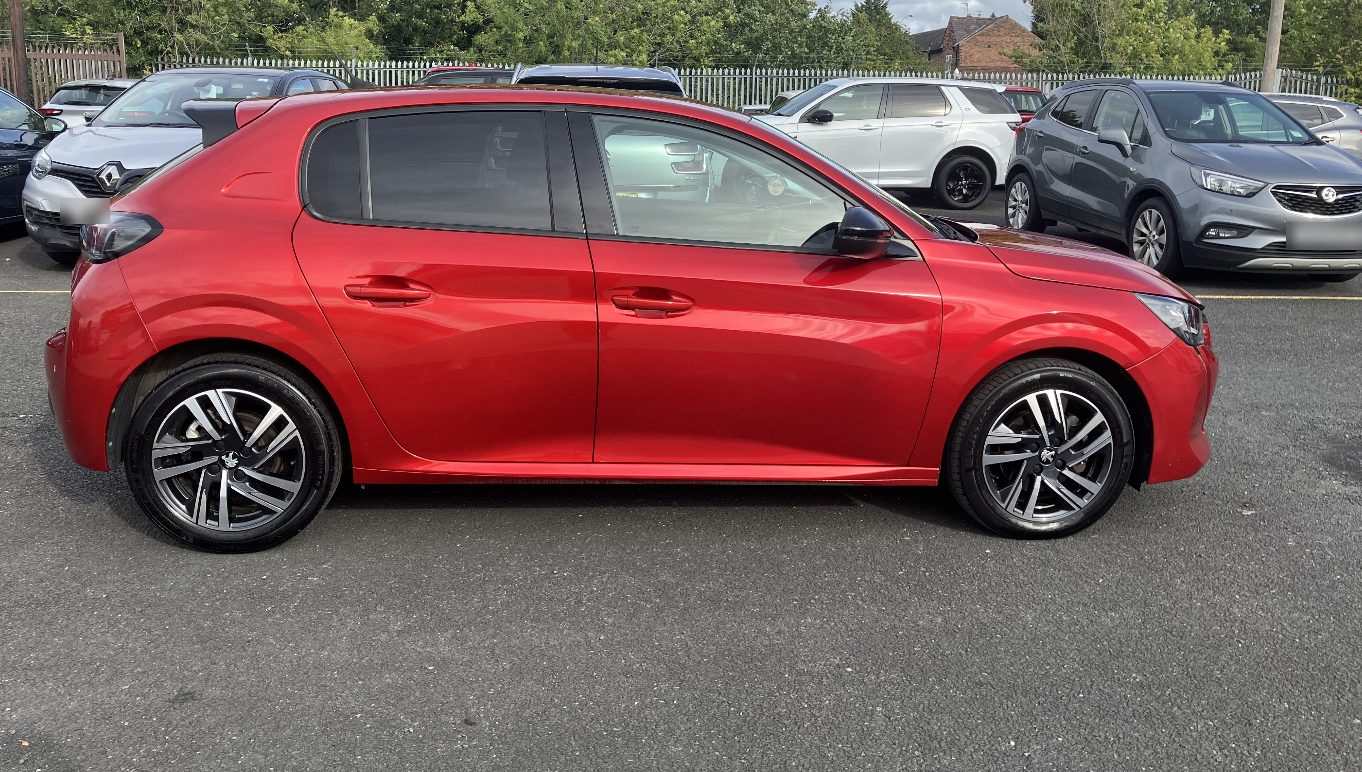
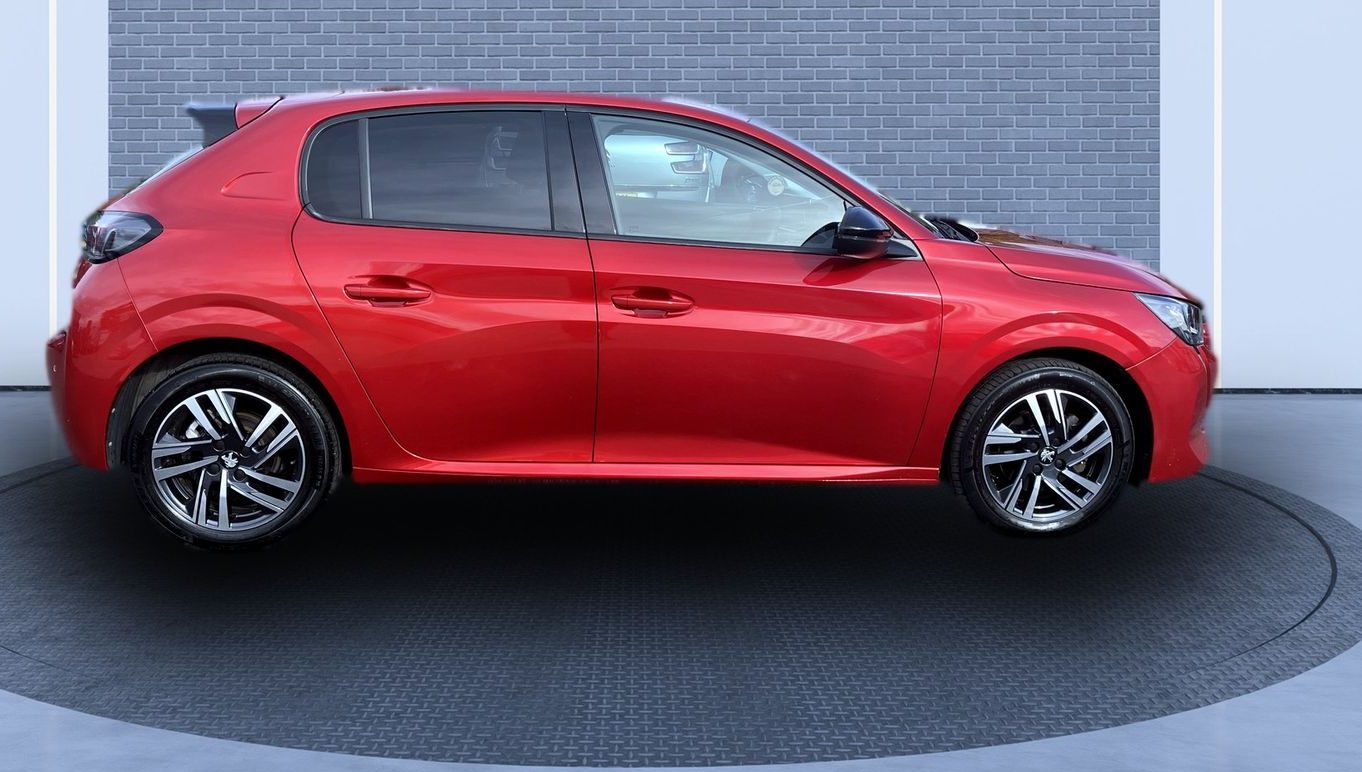
You still need a clean vehicle and a steady hand. The forecourt, the weather and the bins behind it stop mattering.